
First Login
Once the CMS has been deployed and initial configuration is complete, administrators and users can access the portal and API. The first login process establishes identity integration and sets the foundation for role-based access control (RBAC).
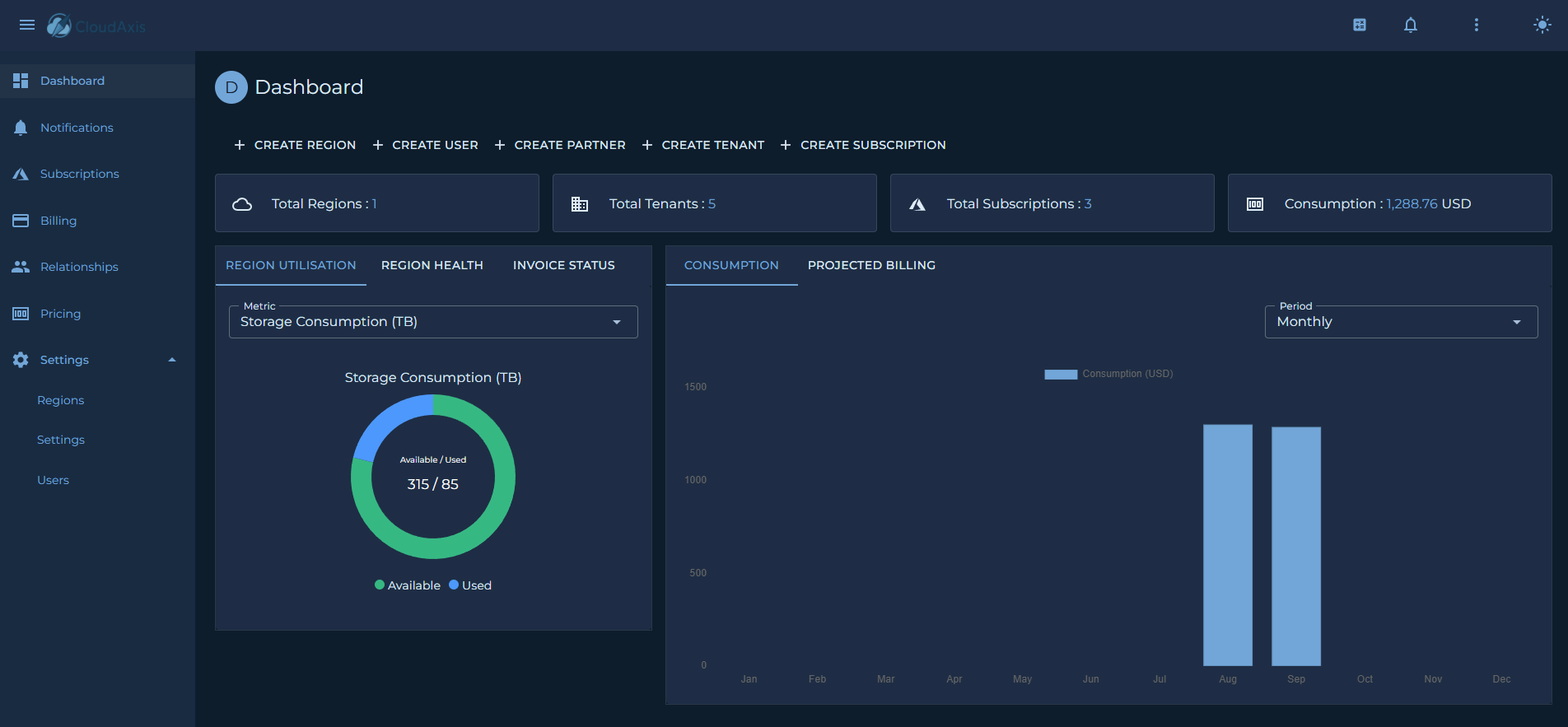
Accessing the Portal
Default Roles
The CMS uses a role-based access model to control permissions. The following roles are provided by default:
-
Platform Administrator
Full system access, including tenant onboarding, subscription management, billing, pricing, and system configuration. -
Tenant Administrator
Scoped access to manage subscriptions, resources, and users within a single tenant. -
Partner Administrator
Scoped Access to commission and billing data for a partner’s downstream tenants. - Distributor Administrator
Scoped Access to commission and billing data for a distributors' downstream partners and tenants. -
Platform User
Access to read all system data but cannot make any changes. - Tenant User
Scoped access to read subscriptions, resources, and users within a single tenant. - Partner User
Scoped Access to read commission and billing data for a partner’s downstream tenants. - Distributor User
Scoped Access to read commission and billing data for a distributors' downstream partners and tenants.
First-Time Setup
On first login, the administrator should:
-
Change the default password or confirm federated login is enforced.
-
Configure additional administrators or delegated roles.
-
Verify role mappings if using federated identity providers.